How to read the Lab upgrade menu
Understand the Stardust-based Lab categories and make a more deliberate upgrade choice without relying on an untested spending order.
The Lab uses Stardust for permanent progression and tools that affect your run options. Read an upgrade’s current description and price before choosing what to improve.
Separate the kinds of upgrades
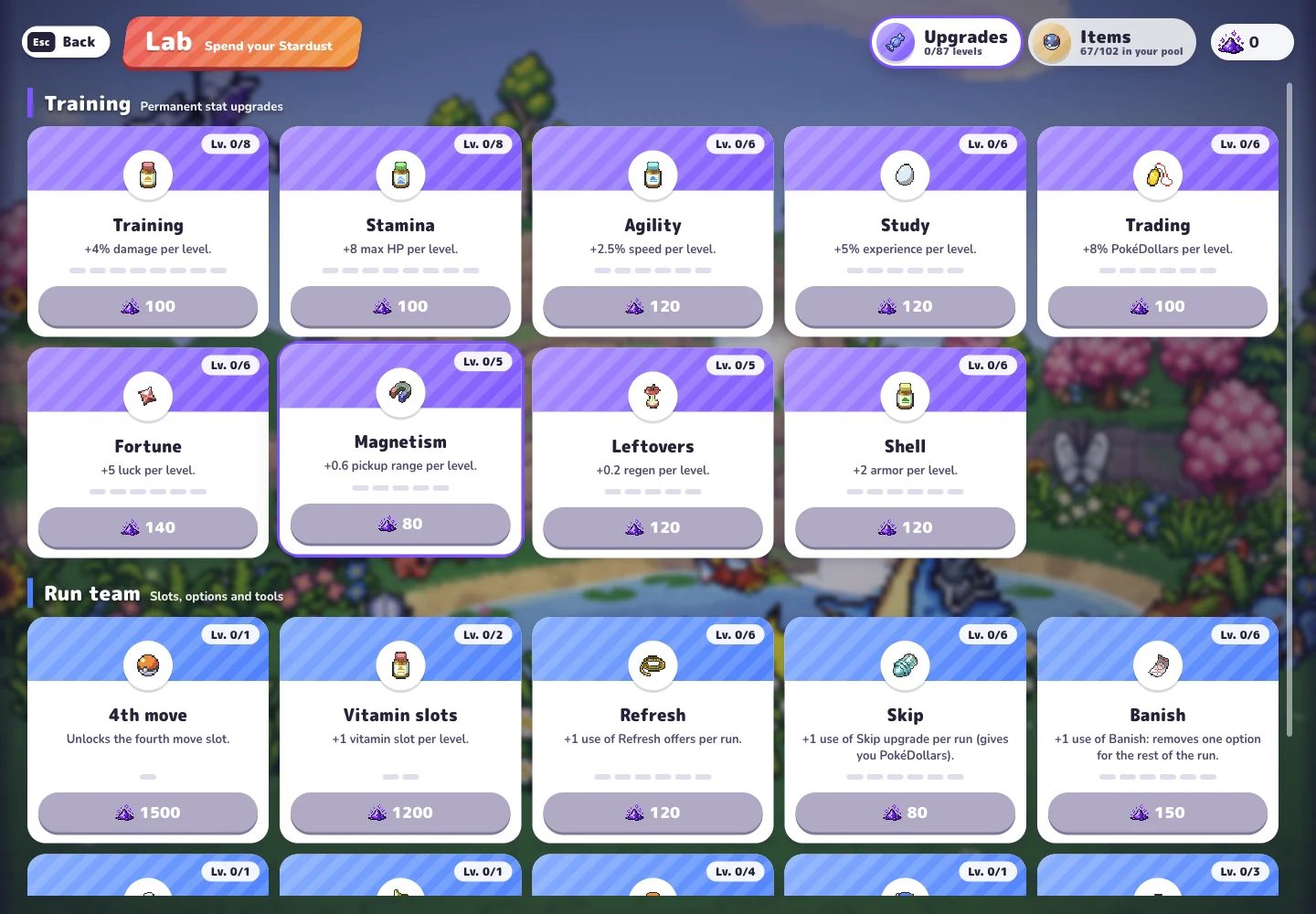
Open Lab → Upgrades from the original game’s menu. The checked Beta v0.6.2 interface uses Stardust and includes permanent attributes, move slots, tools for level-up choices and item-pool management. These are different kinds of progression, so compare what an option changes rather than treating every purchase as another copy of the same benefit.
The permanent-stat group includes Training, Stamina, Agility, Study, Trading, Fortune, Magnetism, Leftovers and Shell. Their descriptions cover damage, maximum HP, speed, experience, PokéDollars, luck, pickup range, regeneration and armor respectively. Consult the current menu for the amount, level and cost rather than assuming every upgrade scales alike.
| Category seen in the Lab | What to check before spending |
|---|---|
| Permanent attributes | The specific attribute and displayed change |
| 4th move / Vitamin slots | Extra move or vitamin capacity |
| Refresh / Skip / Banish | Additional per-run uses of choice tools |
| Fourth option | Four choices at level-up |
| Archive | Items excluded from Poké Balls and the shop |
Read what each choice tool changes
Refresh adds a use of refreshing offers per run. Skip adds a use of skipping an upgrade, with the description noting a PokéDollar return. Banish adds a use of removing one option for the rest of the run. These tools affect different decisions; an extra use of one does not replace the function of another.
Archive adds space for archived items, which its description says will not appear in Poké Balls or the shop. Other menu options include Revive, Research and Support team. Read those descriptions before spending: their labels refer to distinct starting resources or progression systems, rather than a shared general stat boost.
Choose around a specific goal
Use your last session to decide what you want to understand or improve next. If you are considering a permanent attribute, compare its description with the problem you noticed. If you are considering an option-management tool, first make sure you understand the choice it affects. Choose the upgrade that matches the next improvement you want to make.
Read the cost and current level before confirming a purchase. Avoid assuming that a recommendation from another version has the same price, effect or prerequisites in your menu. When comparing advice, look for the writer’s game version and starting progression as well as the name of the upgrade.
Find the Lab in a visual tutorial
CD喜德’s October 17 beginner tutorial includes a Lab chapter beginning at 5:51. Use it as a visual companion to find your way around the menu, then compare the options, effects and costs with the ones currently shown in your game.
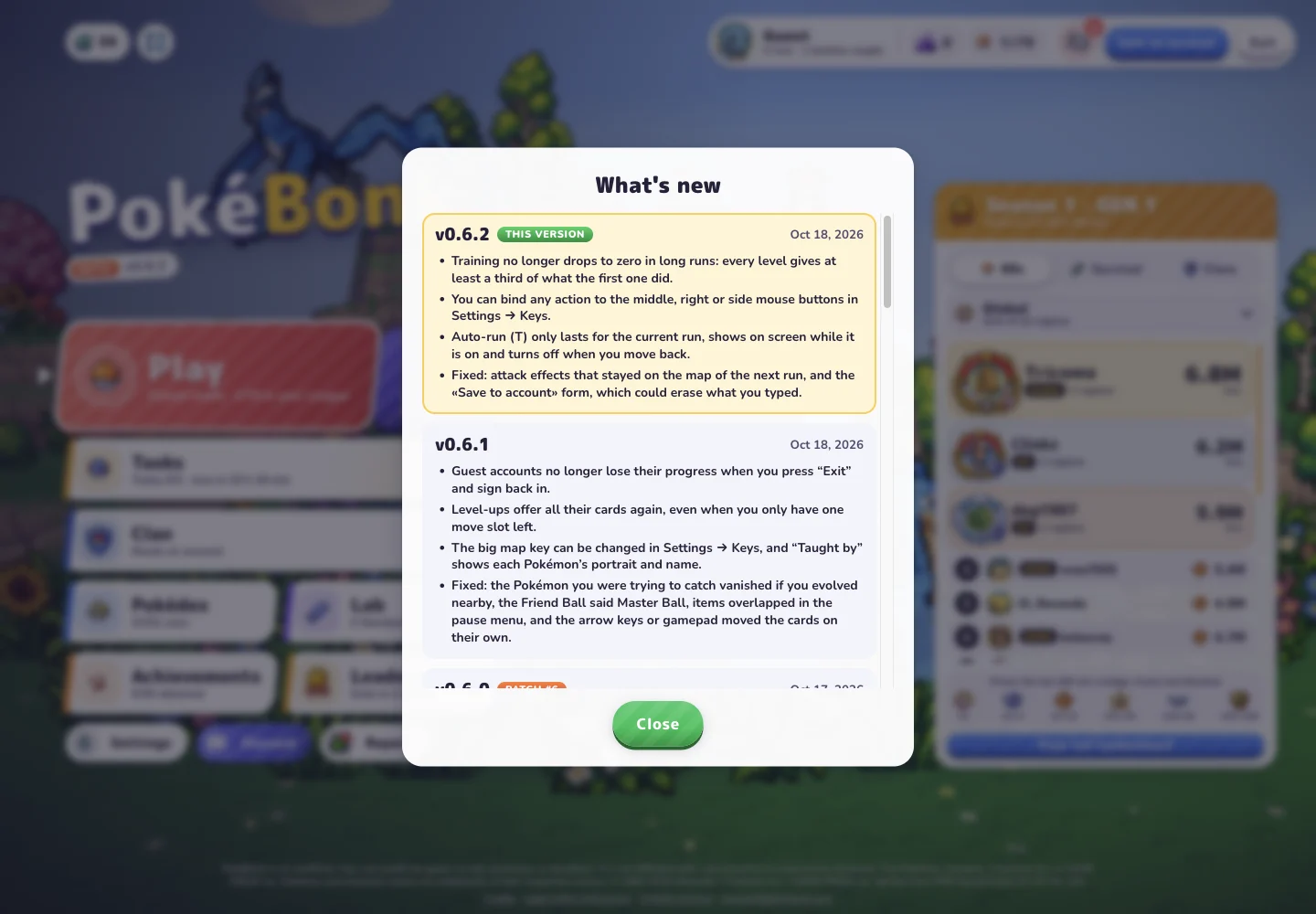
Keep browser data intact while working on permanent progression. The original project notice describes browser-local storage, and recent release notes include a Guest progress fix. Clearing site data is therefore a poor first troubleshooting step. If progression looks wrong, record your version, browser and account or Guest state before changing the environment.
Sources & notes
- PokéBonk — original game and in-game menus
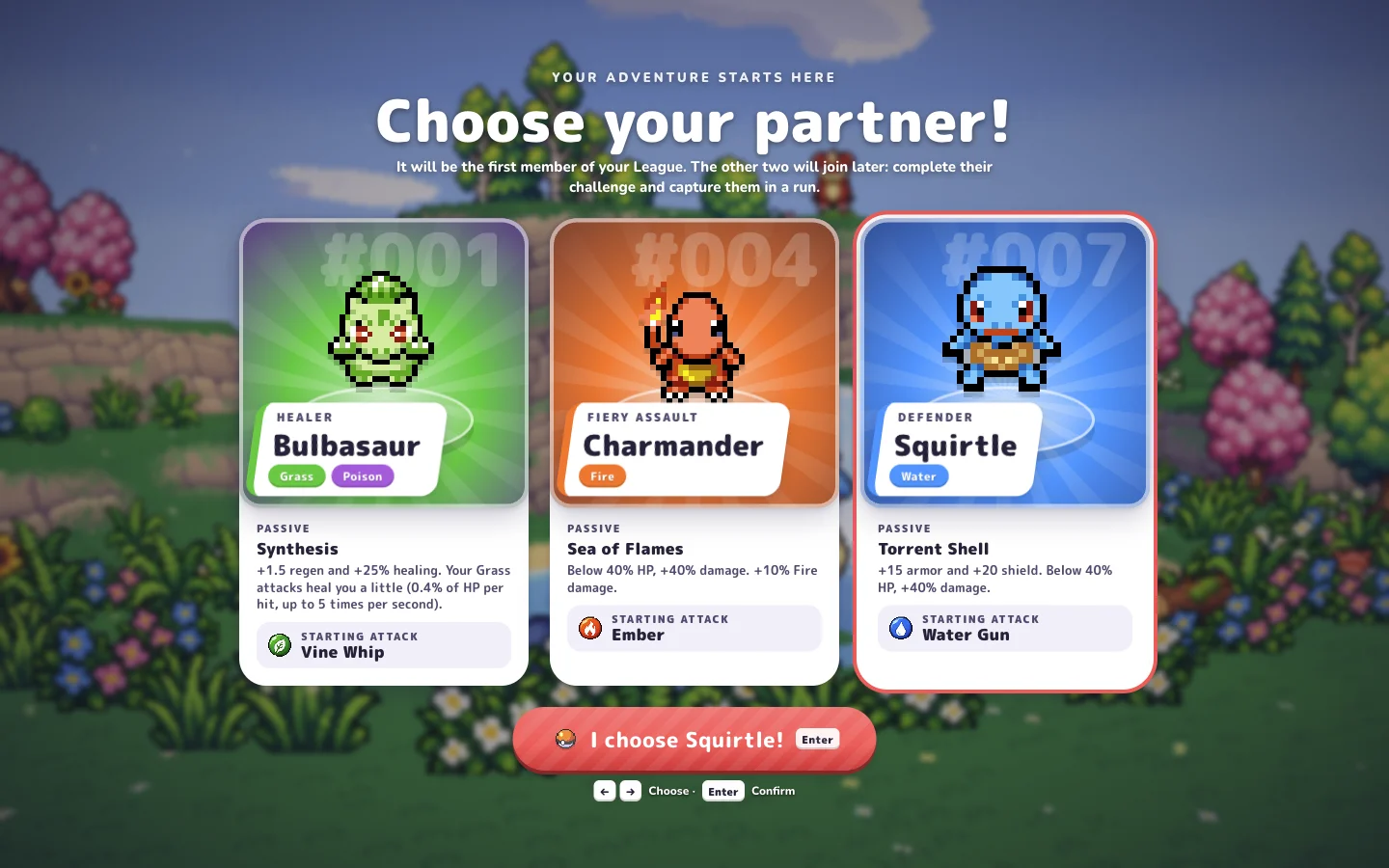
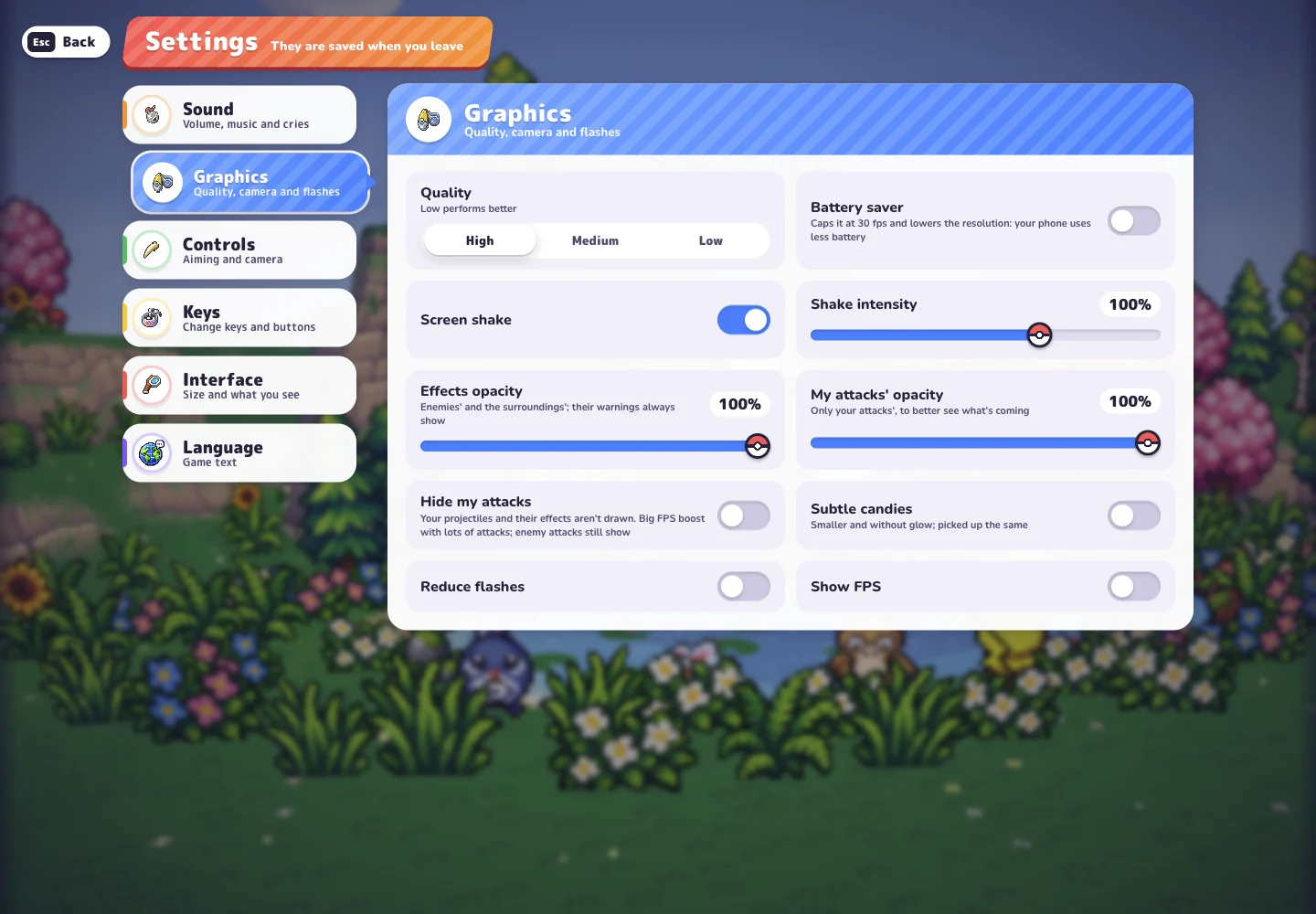
Main menu, release history, Squirtle profile, Settings, Lab and a locked League #001 card inspected on October 18, 2026, in Beta v0.6.2. The locked card describes its challenge and the challenge → wild encounter → capture sequence. Menu evidence; challenge completion and capture were not playtested.
- Original project notice and credits
Charcher’s project identity, free browser-only fan-project notice, browser-local storage description and community destination. Checked October 18, 2026.
- CD喜德 — beginner tutorial
Chinese-language tutorial published October 17, 2026; 7:44. Metadata, description and chapters reviewed, not the full video. Recording version unconfirmed. Relevant chapters: start 1:23, profile 1:52, starters 2:33, run overview 3:07, Lab 5:51.
See how this guide uses sources. The original game may change after the date shown above.