Your first game, explained
A short introduction to choosing a partner, evolution, catching Pokémon and spending Stardust in the Lab.
PokeBonk tips, partner guides and videos. Learn the controls, unlock Pokémon and make your next Lab upgrade count.
Start with a short tutorial, jump to an evolution, or follow a longer run. Each video includes its creator, language and length.
A short introduction to choosing a partner, evolution, catching Pokémon and spending Stardust in the Lab.
Edited gameplay with chapters for Charmander’s evolution, catching partners, Squirtle and a boss encounter.
A longer Bulbasaur video focused on health, armor and lifesteal. Use it as a build example when comparing upgrade choices.
An introduction to the browser game and its busy 3D battles, with the original game linked by the creator.
A Spanish-language introduction and gameplay session. See the partner selection and follow along with another player.
A longer gameplay recording from October 14. An early look at the game, with an interface that can differ from the current release.
Players and creators share their own approaches. Footage can show an earlier build; check current menus before copying a setup. Players load only when you select Watch. Sources ↗
Controls, partners, captures and upgrades, with screenshots and clear steps.
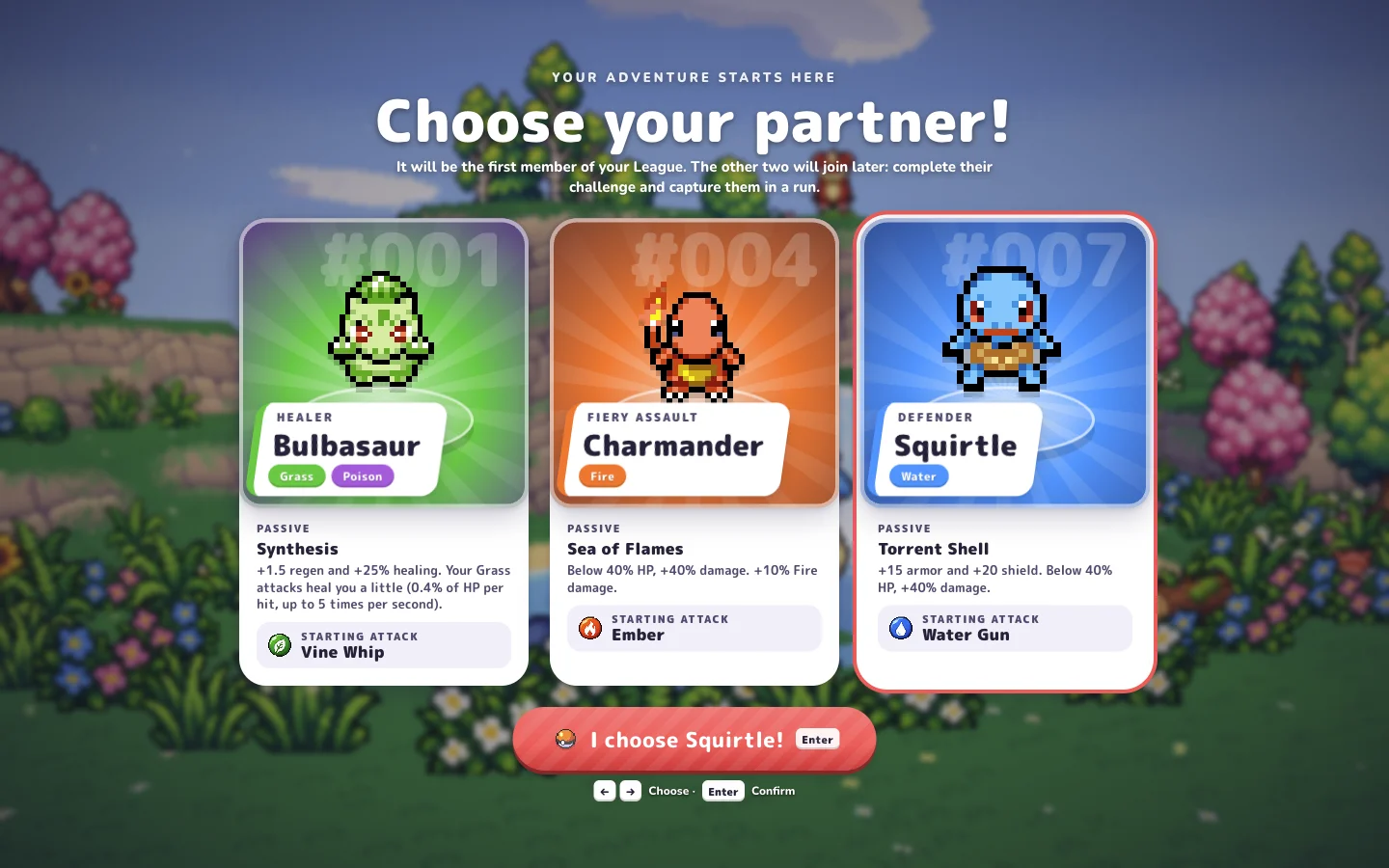
Find the original browser game, understand the main menu and prepare for your first session with a short, grounded starting checklist.
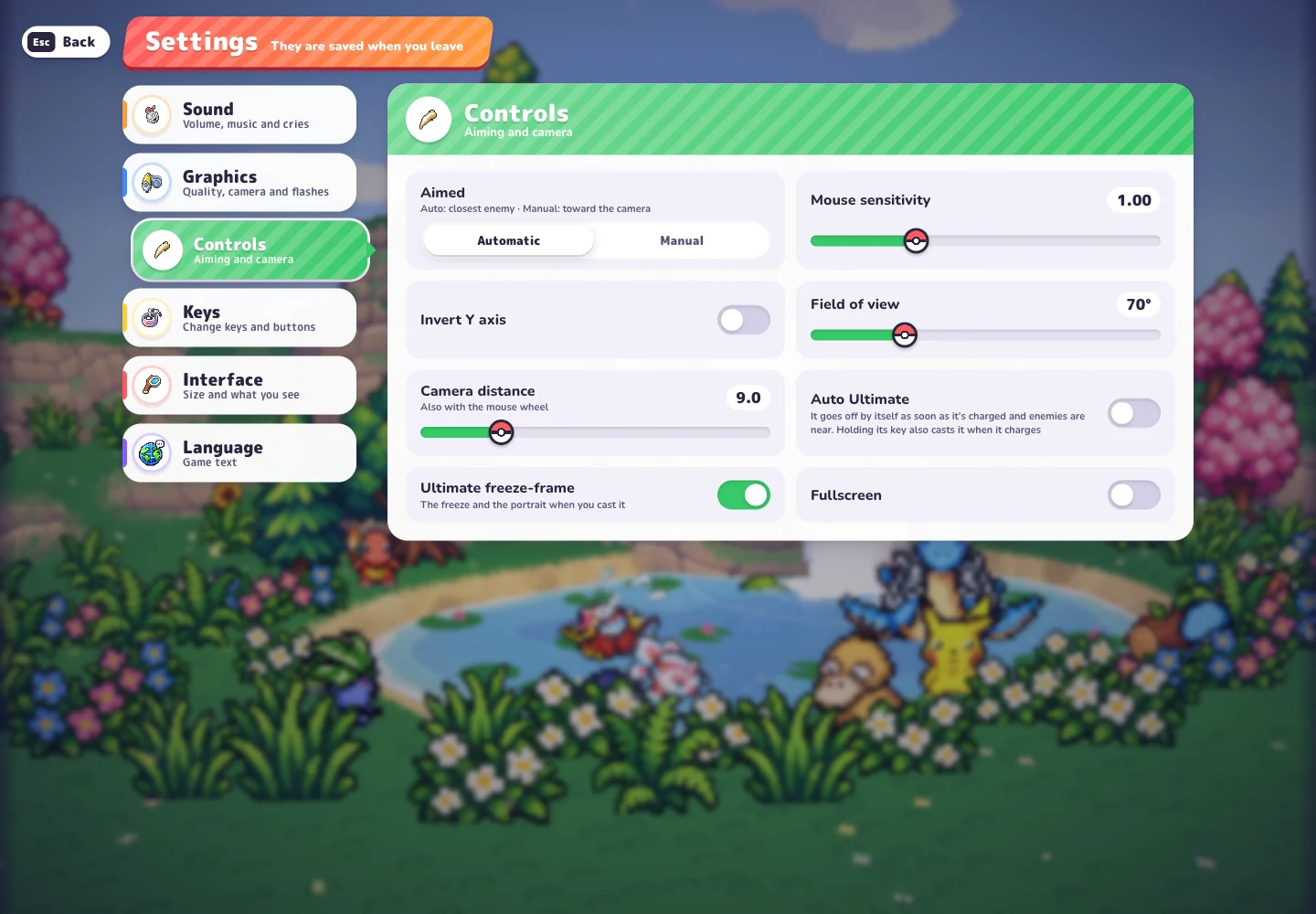
A desktop control reference for movement, aiming, Ultimate, the map and the new mouse-binding settings in Beta v0.6.2.
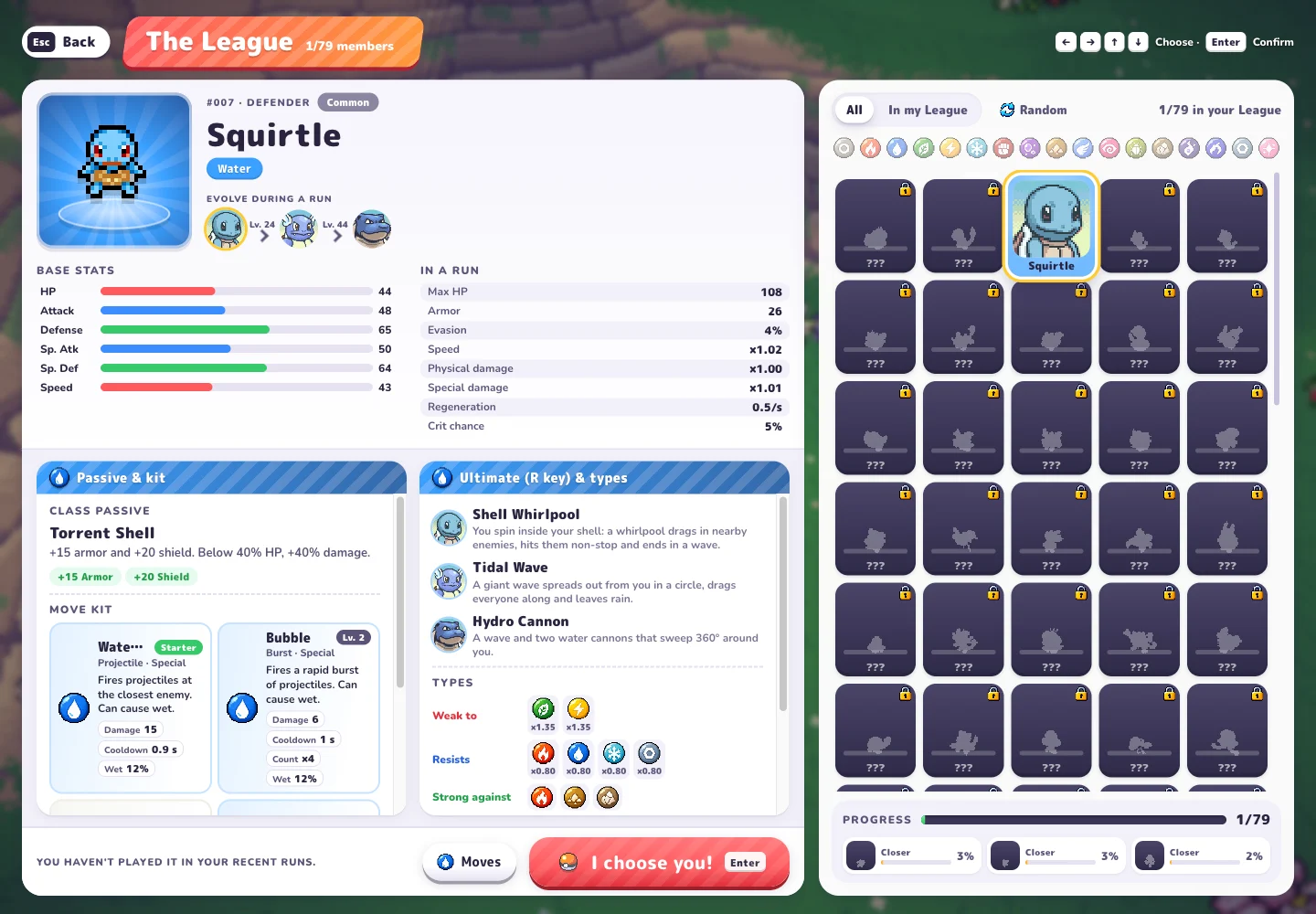
Read Squirtle’s current profile: Water Gun, the other listed moves and the in-run evolution levels displayed in Beta v0.6.2.
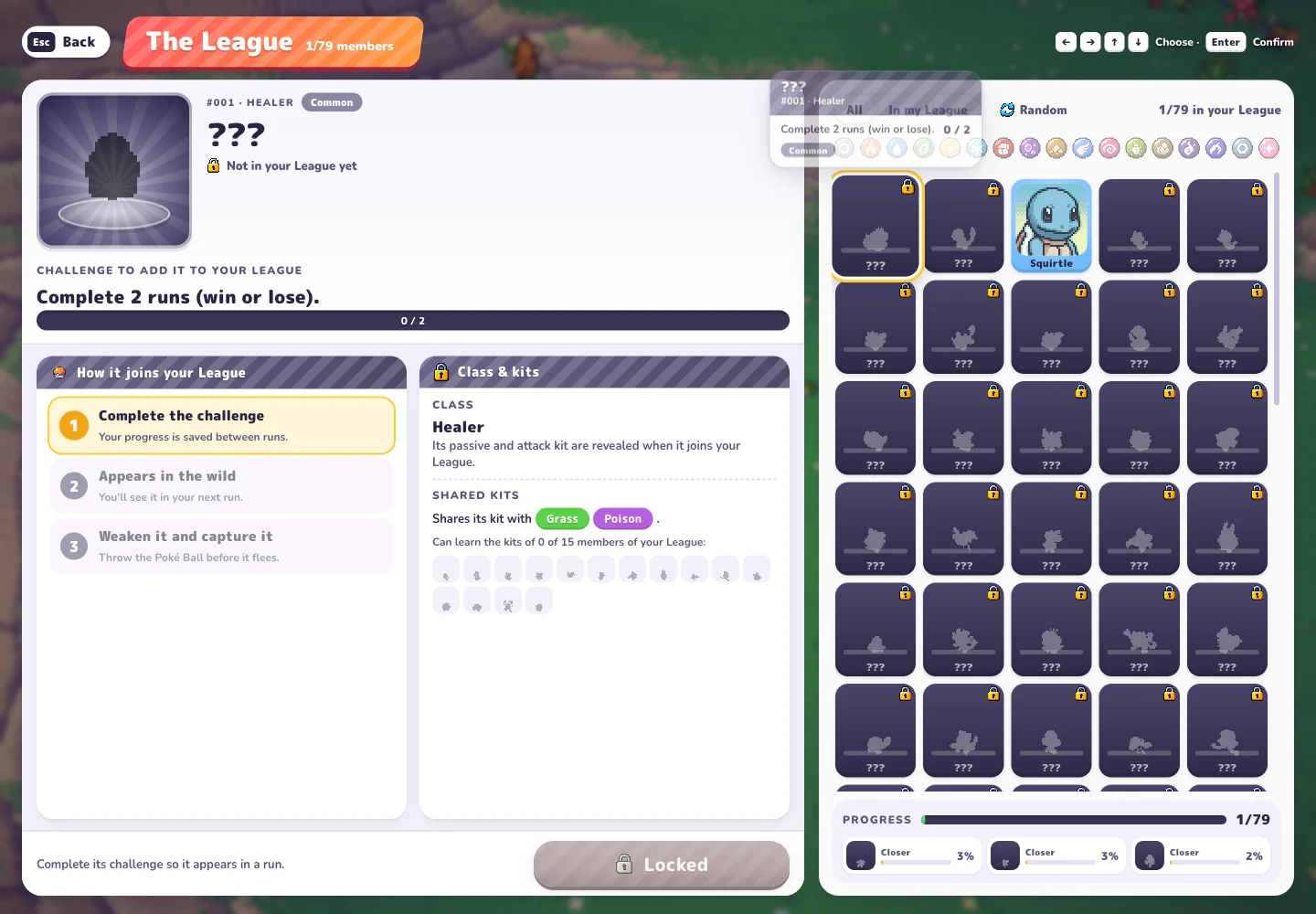
Find a locked partner’s League challenge, track your progress and understand the steps from unlocking a wild encounter to capturing a new member.
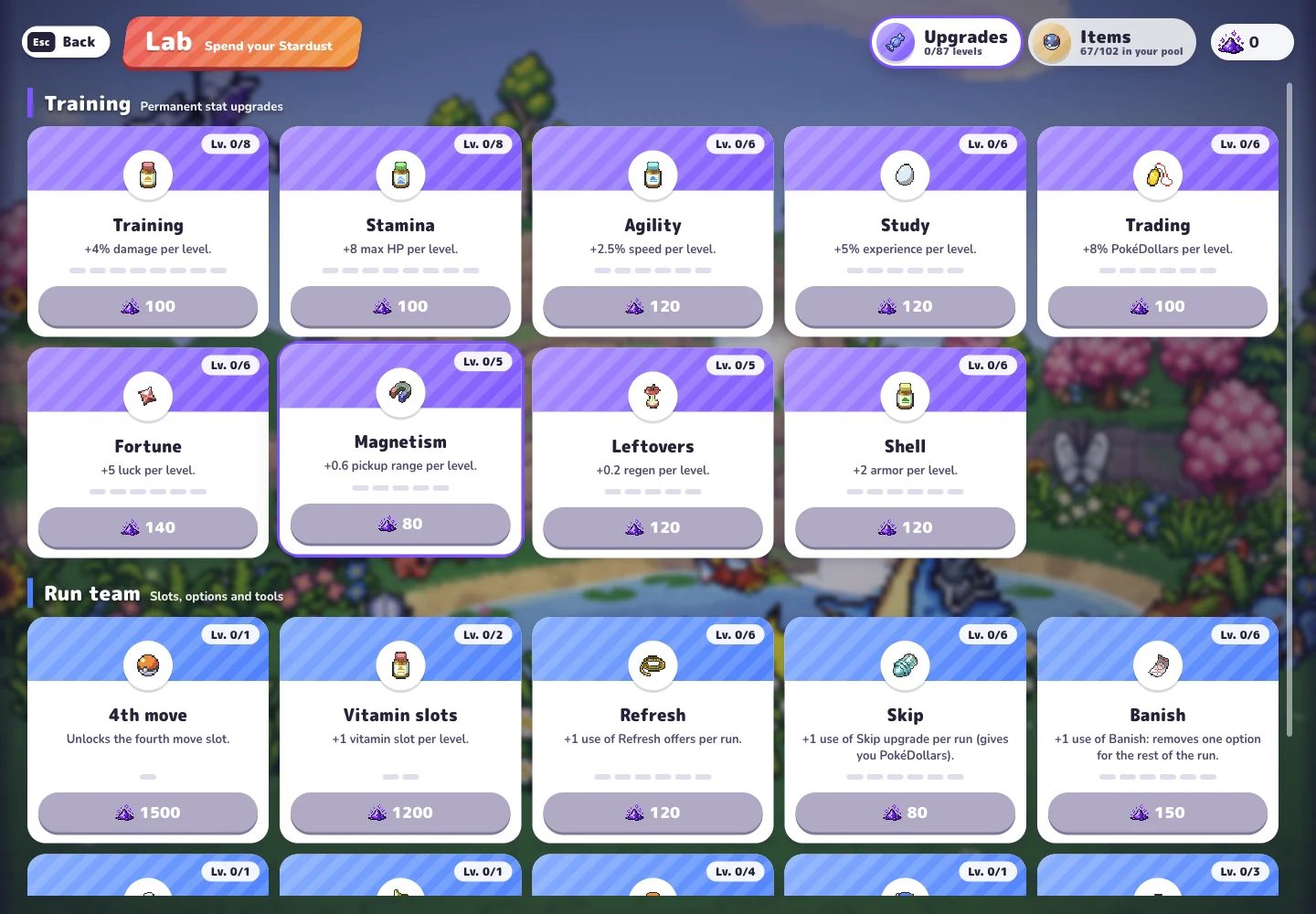
Understand the Stardust-based Lab categories and make a more deliberate upgrade choice without relying on an untested spending order.
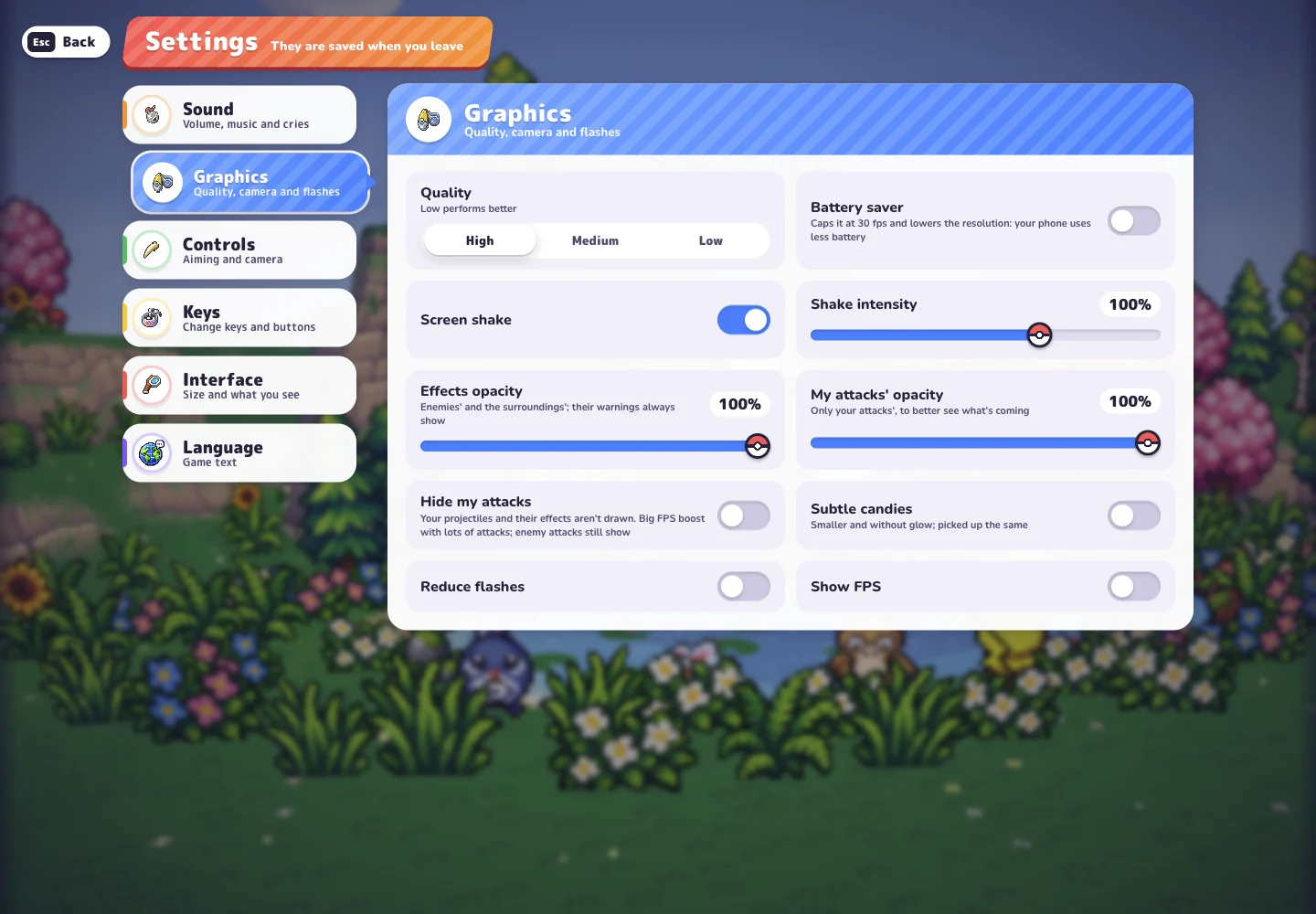
Protect your browser progress, check unexpected controls and distinguish Charcher’s PokéBonk from similarly named projects.
Real captures from the original PokeBonk. Select an image to read the related guide.
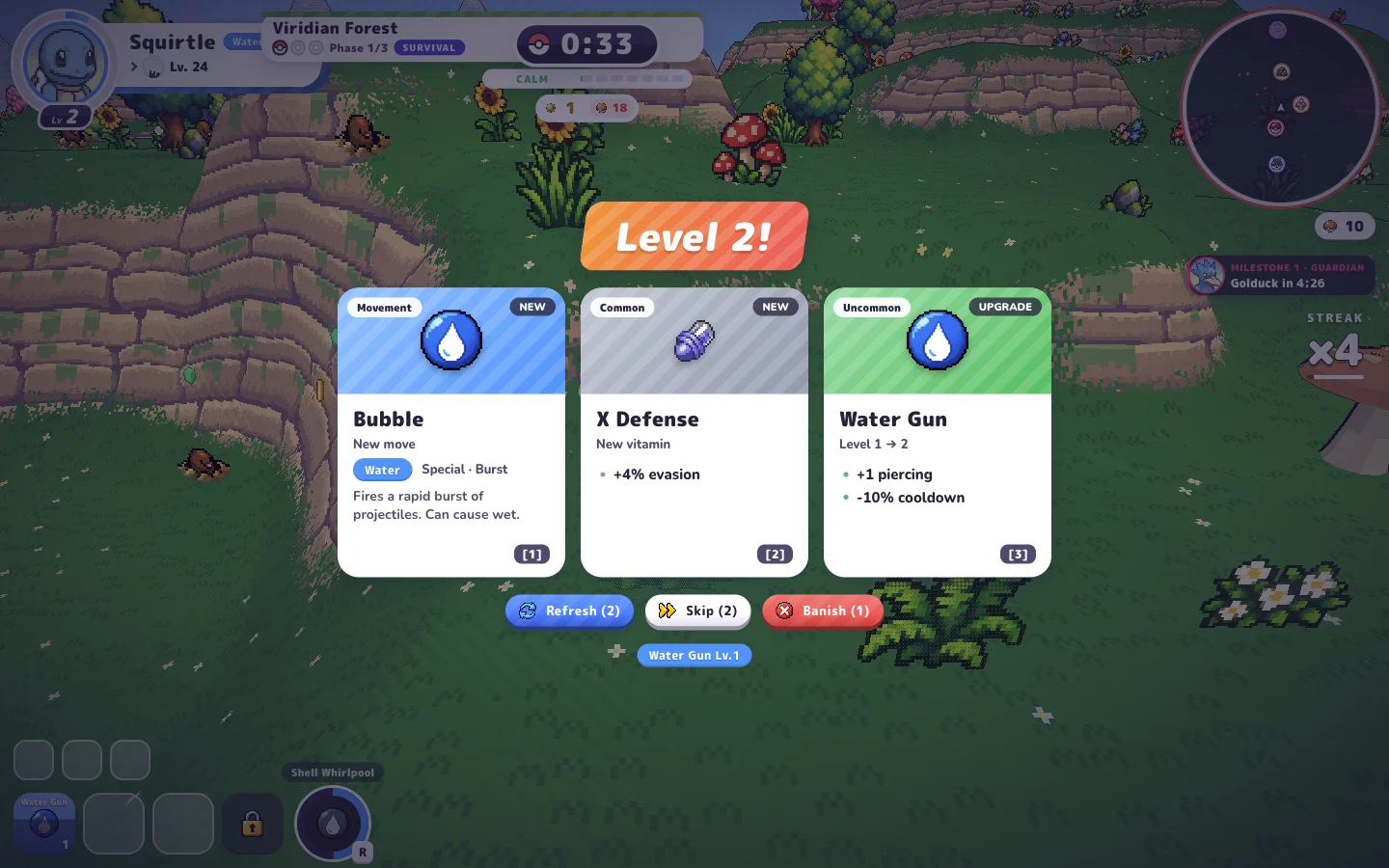
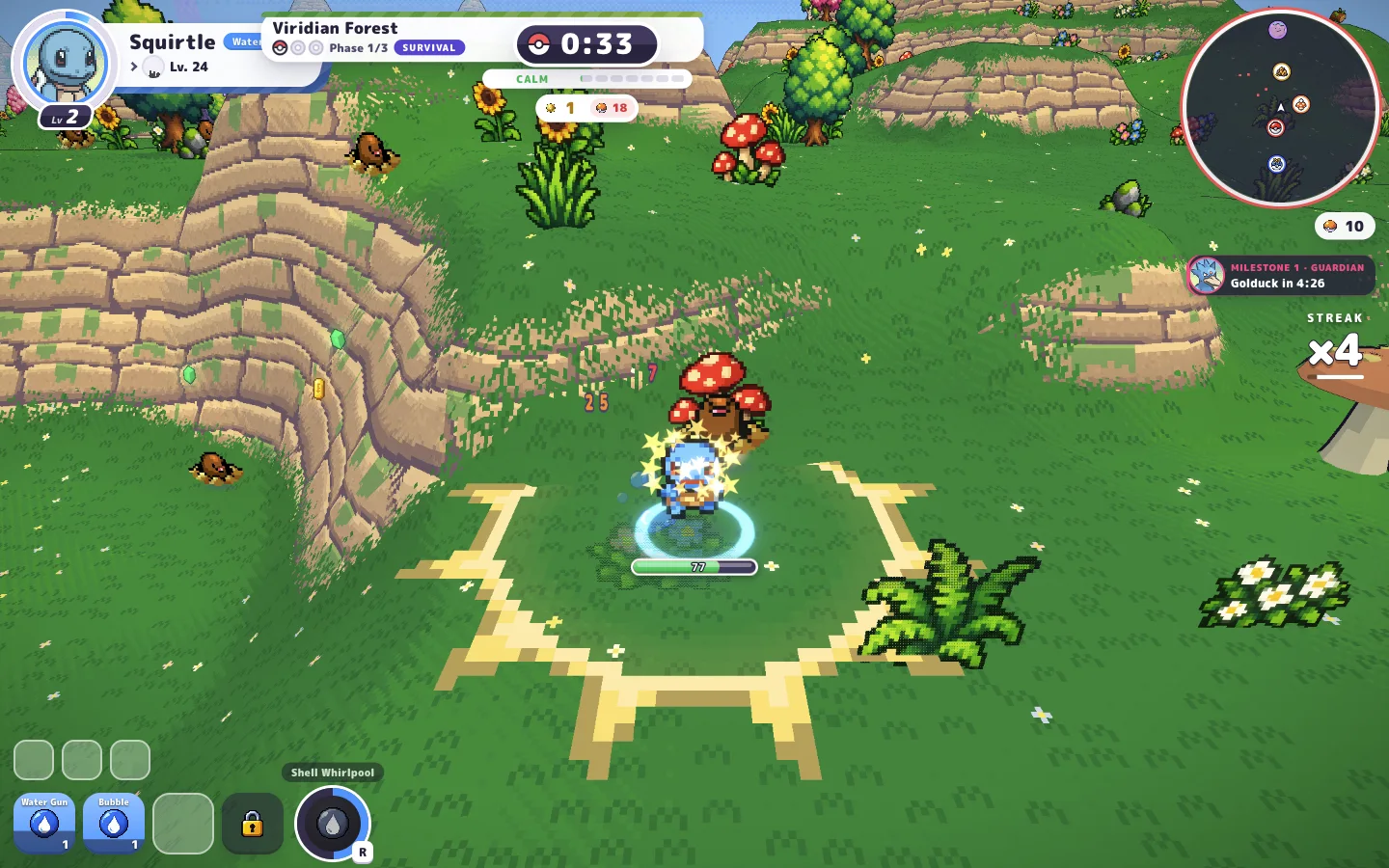
A level-up choice in a Squirtle run. Read the move, stat and effect before picking a card.
Oct 17, 2026 · Earlier build · Charcher’s gameOpen a locked partner to find its challenge. Completing it lets that partner appear in the wild for you to capture.
Oct 18, 2026 · v0.6.2 · Charcher’s gameCompare permanent stats with tools such as Refresh, Skip and Banish before spending your next batch of Stardust.
Oct 18, 2026 · v0.6.2 · Charcher’s gameWater Gun is its starting move. Torrent Shell adds armor and a shield, while Bubble, Rapid Spin and Hydro Pump appear in its displayed kit. Read the profile to understand what each move does.
WASD to move, Space to jump, Shift to slide. Check Settings → Controls for automatic or manual aiming, then review your key bindings.
ControlsA locked League card shows its challenge. Complete it so the partner can appear in the wild, then weaken and capture it during a run.
PartnersStardust buys permanent upgrades and tools for future runs. Read the next level’s effect and price before choosing what to improve.
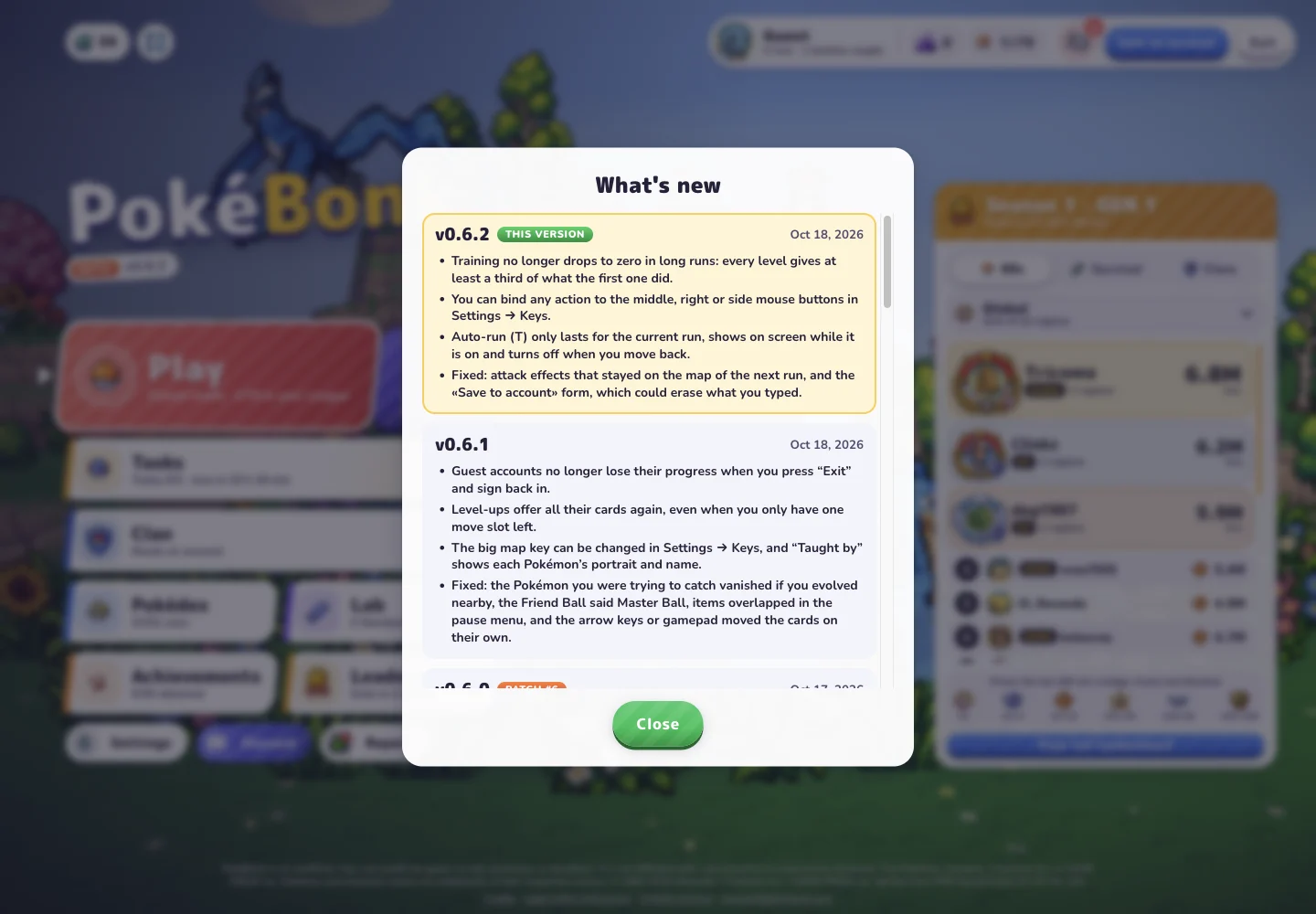
LabMouse-button bindings and auto-run changes affect how you control the game. Recent updates also changed map visibility and fixed Guest progress issues.
Charcher’s original game is at pokebonk.com ↗. It runs in your browser. This site is an independent guide.
The League shows a challenge for each locked partner. Complete the requirement, encounter it in the wild and capture it. See the unlocking guide for the menu steps.
PokeBonk is changing quickly. Check the version beneath the game logo, then compare recent updates. Upload dates and recording dates can differ.
Keep the original browser and profile available. Check the Guest or account state and game version before changing anything. The troubleshooting guide explains what to record.