Recent updates that change how you play
The practical implications of v0.6.0–v0.6.2: explored maps, Guest progress fixes, mouse bindings and auto-run changes.
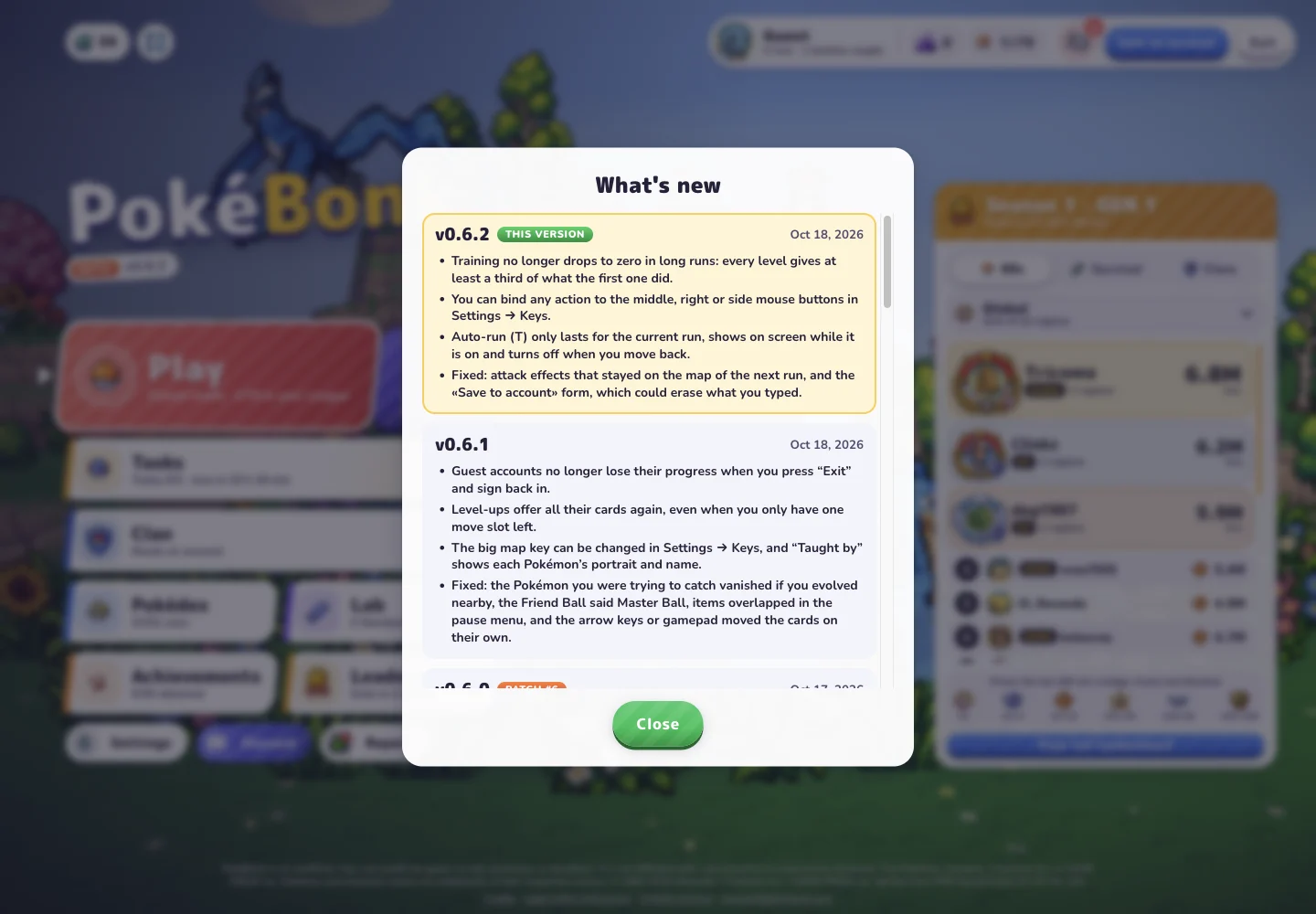
The October 18 menu check showed Beta v0.6.2. The most relevant recent changes affect map information, Guest progress and input settings.
Check the version at the source
The original game displays its version beneath the logo. Select that version button to open the built-in release history. The entries below highlight changes to maps, progress and controls; open that history for the full changelog.
When a tutorial screen differs from yours, compare versions first. The upload date of a video does not establish its recording date or game build. A recent upload can still show an earlier interface, and an older written guide may need only one section updated rather than being wrong about everything.
v0.6.0: maps reflect exploration
The v0.6.0 notes describe map and minimap information being limited to explored areas. An older screenshot that shows a fuller map may therefore be a poor route reference for the current interface.
Read the map as the information your session currently presents. Do not use an old full-map image to conclude that an event or location is missing from your game. Check the map behavior and version before treating that difference as a fault.
v0.6.1: Guest progress and upgrade fixes
The v0.6.1 history includes a fix for Guest progress disappearing after leaving and re-entering, along with fixes to some level-up options. If you encounter a similar symptom, include the displayed version and your Guest or account state in a report.
A listed fix is not a reason to delete local data to refresh your progress. Preserve the affected browser state while gathering details, particularly because the project notice describes browser-local storage.
v0.6.2: review your input settings
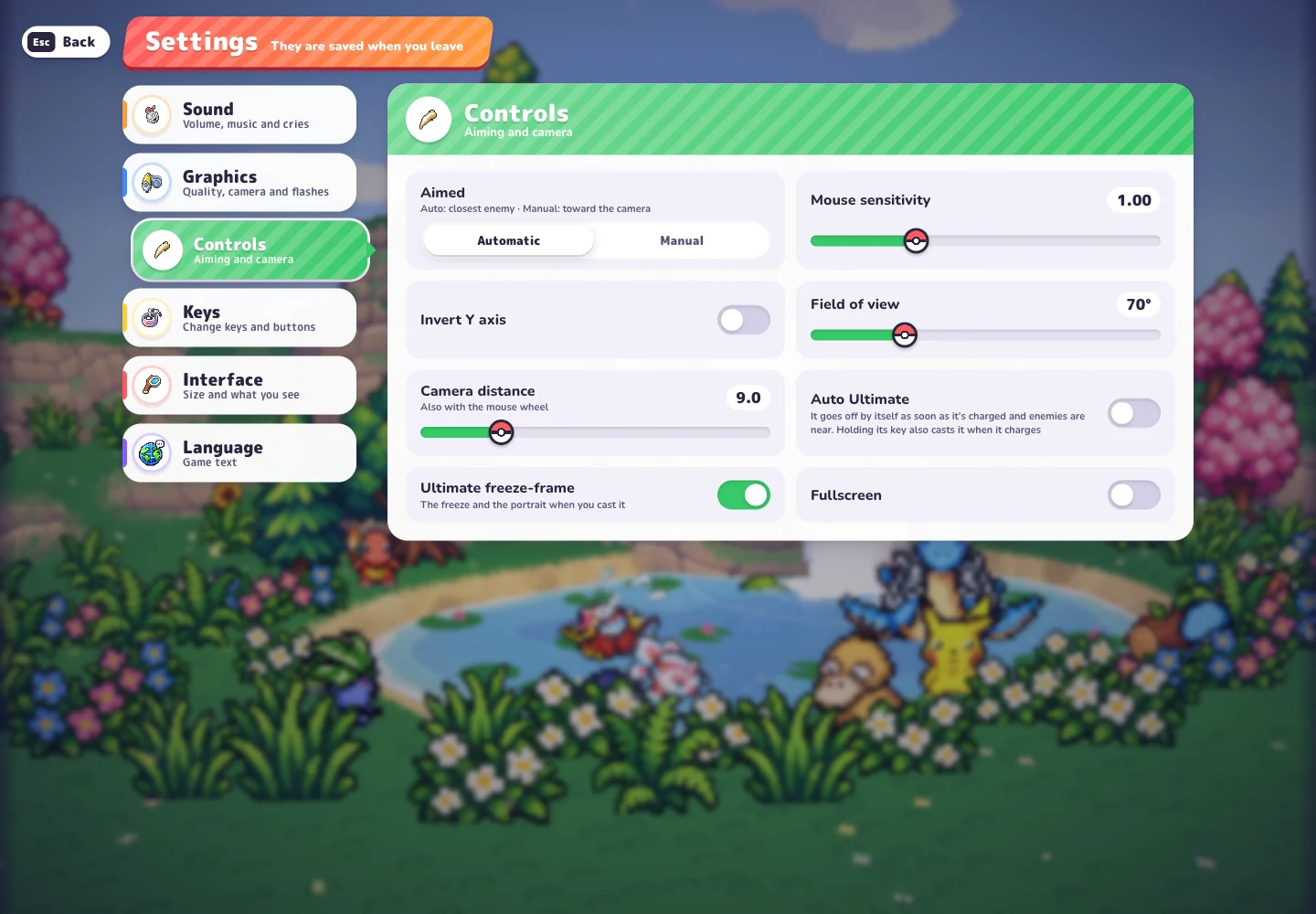
This version adds mouse-button bindings and adjusts auto-run persistence and cancellation. Visit Settings → Keys for assignments and Settings → Controls for aiming and camera options if movement feels different after an update.
An earlier v0.5.7 entry describes retaining earned gains when returning after a disconnect, refresh or closed browser. That wording should not be read as a promise to resume the exact same combat scene. Earned progression and restoring an active run are different questions.
Sources & notes
- PokéBonk — original game and in-game menus
Main menu, release history, Squirtle profile, Settings, Lab and a locked League #001 card inspected on October 18, 2026, in Beta v0.6.2. The locked card describes its challenge and the challenge → wild encounter → capture sequence. Menu evidence; challenge completion and capture were not playtested.
- Original project notice and credits
Charcher’s project identity, free browser-only fan-project notice, browser-local storage description and community destination. Checked October 18, 2026.
See how this guide uses sources. The original game may change after the date shown above.